C.U.I. Purple Fun · Training Card
CUI Handling — Chat / AI Edition
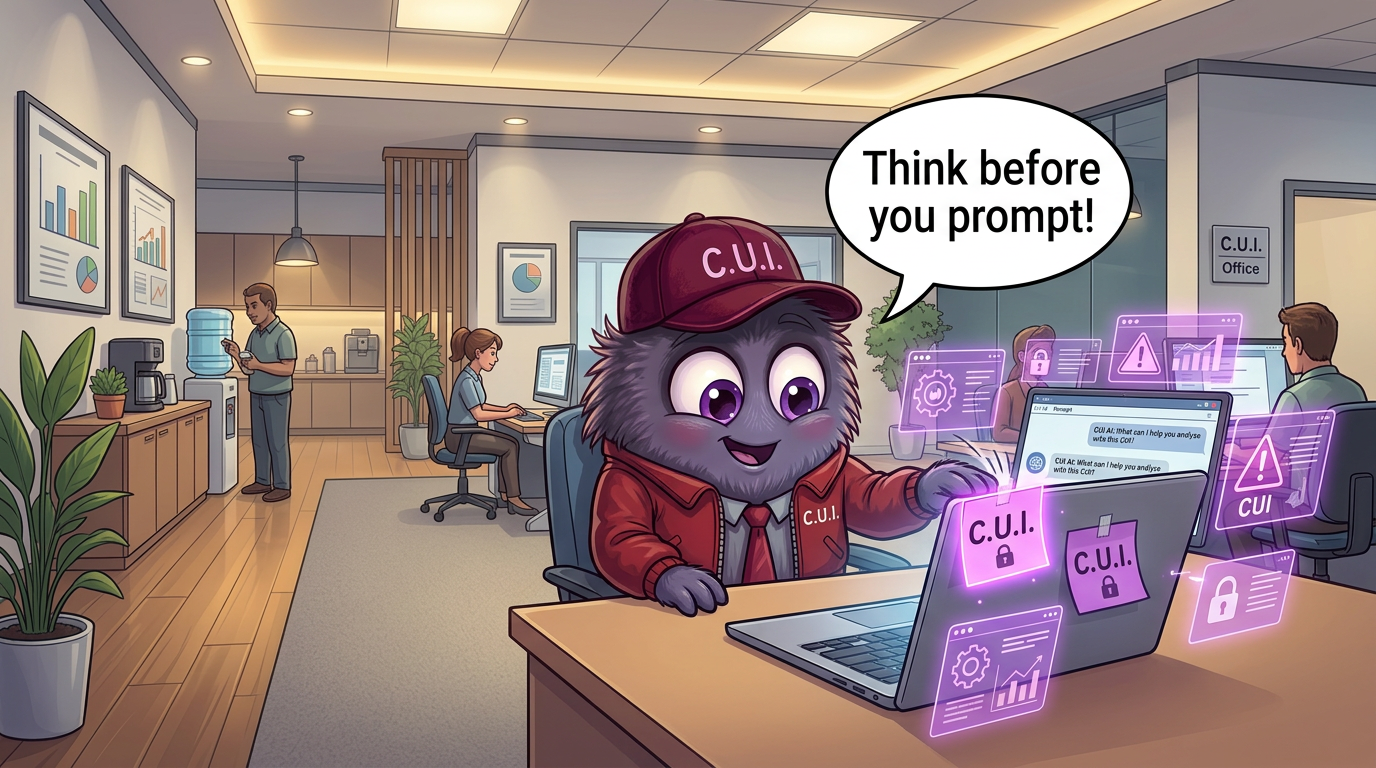
1Headline
Think Before You Prompt
2The Rule
Never paste CUI into a chat, DM, or AI tool that isn't cleared for Controlled Unclassified Information. If the content needs a purple [CUI] label, the channel needs the clearance to match.
3Real-World How-To
- 1Confirm the channel or AI tool is approved for CUI before pasting anything.
- 2Strip names, part numbers, and identifiers from prompts — abstract first, prompt second.
- 3Tag any message containing CUI with a [CUI] marker so it travels with the content.
- 4Verify the recipient list before you send — purple tape doesn't fix a wrong audience.
- 5Use secure share links instead of screenshots. Links carry controls; screenshots don't.
4Example Scenario
An engineer pastes a draft spec into a public AI to 'just summarize it.' The prompt is now stored, indexed, and out of your control. Marking it CUI after the fact is too late — the leak already happened.
5Role-Based Exercise · 5 Min
In a 5-minute team huddle, each person shares one chat or AI habit they'll change this week. Write them on purple stickies and put them on the monitor.
6Purple Fun Saying · Monster Quote
“When in doubt, stick a purple note on it.”
ParablAI · CUIpurplefun SeriesChat / AI