CUI Labeling & Banner Marking Guide (2026 Edition)
Banners, portion marks, dissemination controls — done right.
About this guide
CUI marking is the most visible part of any CUI program — and the first thing an auditor checks. Get it right and the rest of your program looks credible. Get it wrong and every other control feels suspect.
The 2026 edition walks contributors, reviewers, and approvers through exactly what the National Archives CUI Registry expects on documents, drawings, datasets, email, and cloud-hosted material.
“A marker on every page is cheaper than a single incident report.”
What you'll learn
- ✓Apply the purple [CUI] banner correctly to every page, every time.
- ✓Add portion markings — (CUI), (U), and category abbreviations — to paragraphs, tables, figures, and slides.
- ✓Recognize and apply dissemination controls (NOFORN, FED ONLY, DISP, REL TO).
- ✓Mark CUI email subject lines, bodies, and attachments so the marking survives every forward.
- ✓Tag CUI in SharePoint, Teams, Confluence, Drive, and Box at the listing level — not just inside the file.
- ✓Spot a missing or malformed marker at a glance during peer review.
Inside this guide
- 01
Chapter 1 — Banner markings
Top, bottom, and cover-sheet banners and why every page carries one.
- 02
Chapter 2 — Portion markings
Per-paragraph, per-figure, per-slide markers and how they enable safe extraction.
- 03
Chapter 3 — Dissemination controls
NOFORN, FED ONLY, REL TO — when to apply each and how they ride the banner.
- 04
Chapter 4 — Email markings
Subject-line rules, body banners, attachment marking, and forward survival.
- 05
Chapter 5 — Cloud system markings
Surface-level marking in SharePoint, Teams, Confluence, Drive, and Box.
- 06
Chapter 6 — Correct vs. incorrect
Side-by-side examples of memos, slides, and filenames done right (and wrong).
- 07
Appendix — Cheat sheet & PR checklist
One-page printable plus a 'mark this' checklist your reviewers can paste anywhere.
Who it's for
- •Engineers, analysts, and writers who create CUI artifacts.
- •Reviewers and approvers who sign off on releases.
- •Program managers and security officers running audits.
- •New joiners getting their first CUI briefing.
Key takeaways
- →Mark a new CUI artifact in under 60 seconds.
- →Trace every marking back to the control family that requires it.
- →Defend your markings cleanly in an audit or DD-254 review.
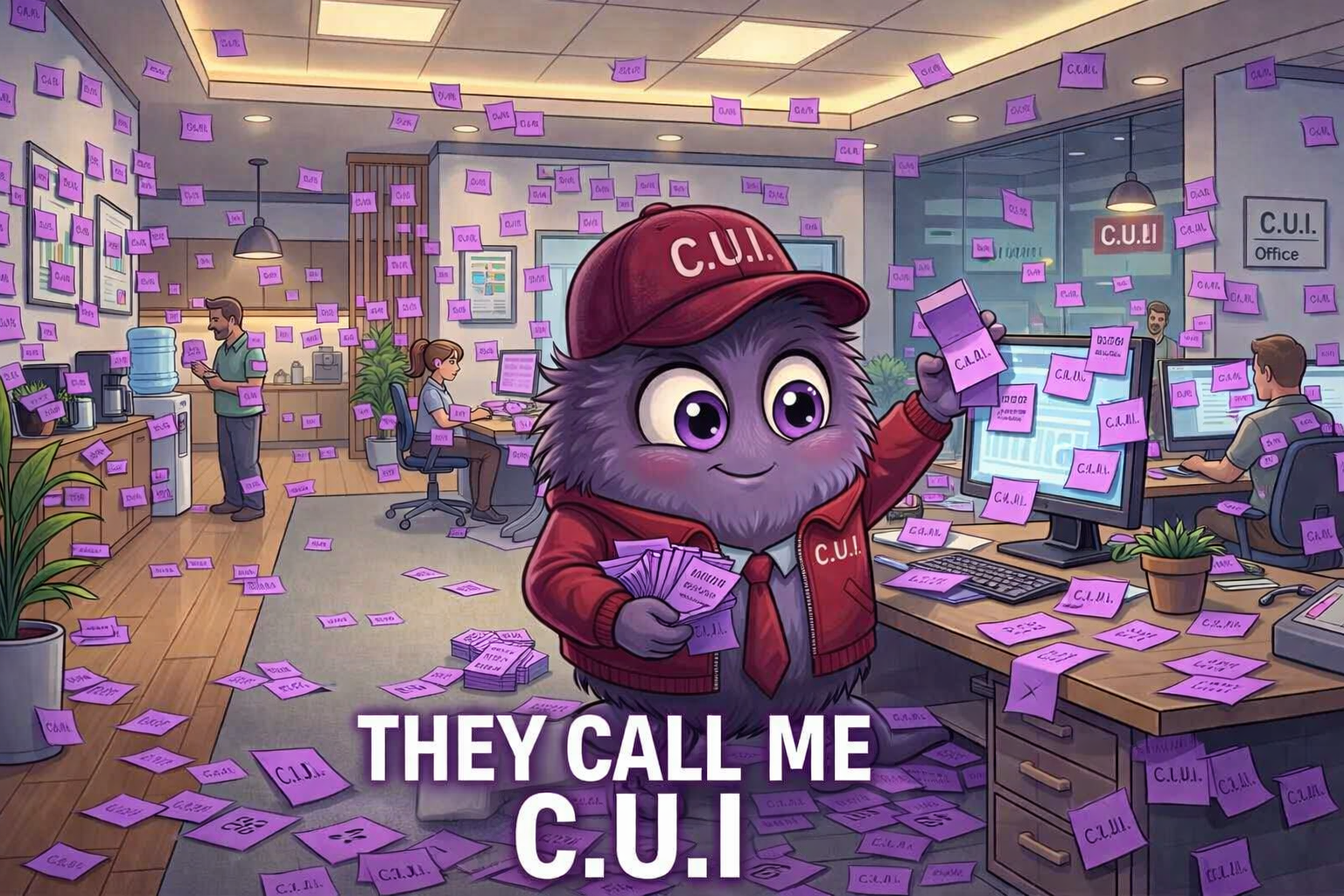
Parabl says: a marker on every page is cheaper than a single incident report. Mark it like you mean it.
Marking is the first line of defense. A consistent, visible purple [CUI] banner tells every reader, system, and printer that the content is controlled before anyone has a chance to mishandle it.
Banner markings
Every page carries the [CUI] banner at top and bottom. The banner includes any category and dissemination control the document inherits.
- Top + bottom of every page (yes, every page)
- Filename prefix: [CUI] makes listings self-documenting
- Cover sheet for printed material
Portion markings
Each paragraph, figure, table, and slide carries a portion marker: (CUI), (U), or a category abbreviation. Portion marks let people extract or quote a single paragraph without losing the control status.
Dissemination controls
DISP, NOFORN, FED ONLY, REL TO, and other distribution-limiting markings ride on the banner. Confirm the right control with your contract DD-254 or program security officer.
Email markings
Subject line OR the very first body line carries the banner. Body repeats it. Attachments are marked in filename and content. The banner survives every forward.
Cloud system markings
Apply markings to the cloud surface, not just the file. SharePoint columns, Teams channel names, Drive shared-drive prefixes, Box folder banners — make the marking visible at the listing level.
Correct vs incorrect examples
Parabl points at side-by-side examples in the guide: cleanly banner-marked memos, properly portion-marked slides, well-prefixed filenames — and the broken versions you should learn to spot in code review.
Do
- ✓ Apply purple [CUI] banner top + bottom on every page.
- ✓ Portion-mark every paragraph, table, figure, and slide.
- ✓ Carry markings through copies, derivatives, and exports.
- ✓ Audit weekly: search for unmarked items and tag them on the spot.
Don't
- ✗ Strip markings to 'clean up' a document before sharing.
- ✗ Mark only the cover and assume the body is implied.
- ✗ Use ambiguous notes like 'sensitive' instead of the formal banner.
- ✗ Forget the email subject-line banner — it's the most common miss.
Take it further
This guide is managed and controlled. Our team reviews each request and sends the guide via email.
More guides
CUI Categories & Subcategories Explained
Basic vs. Specified, authority citations, registry interpretation.
CUI Handling Rules for Everyday Employees
Storage, sharing, destruction, travel, remote work — the daily playbook.
Role-Based CUI Responsibilities (Mapped to Real Jobs)
Executives, PMs, engineers, HR, finance, IT, procurement — who owes what.